
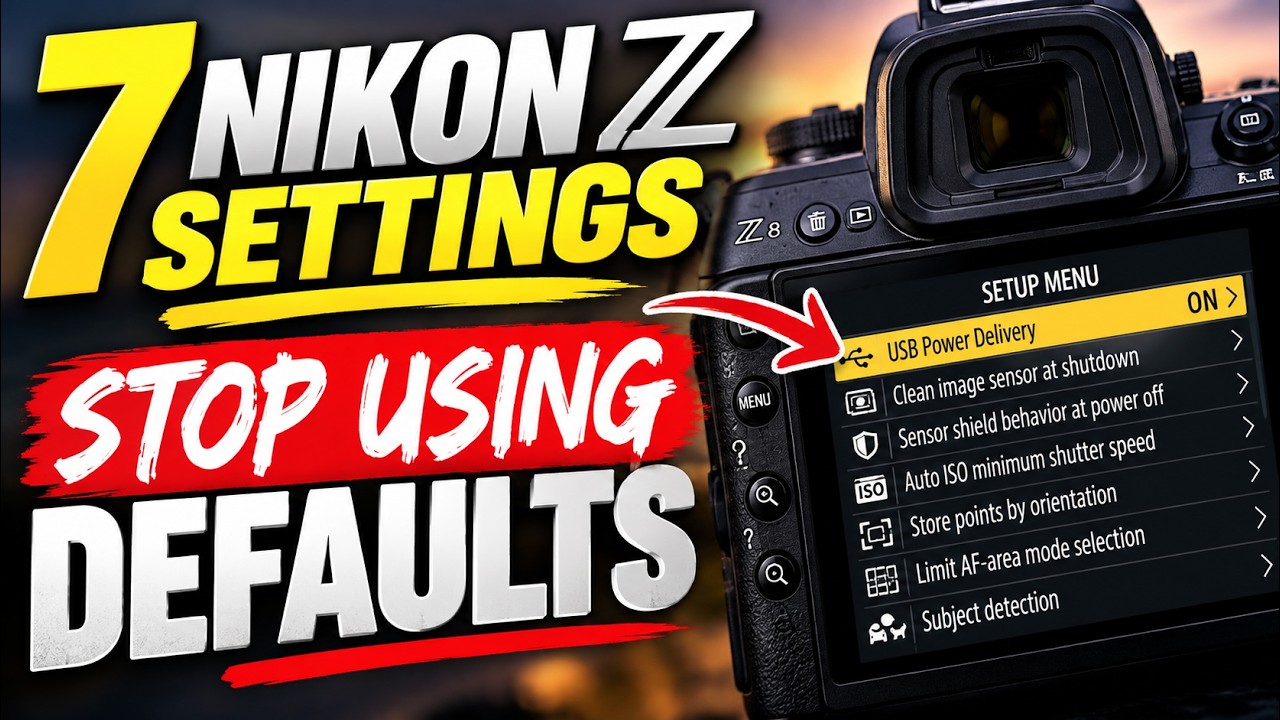
7 Nikon Z Settings You Should Stop Leaving at Default
Your Nikon Z camera is capable of a lot more than the factory settings suggest. In this video, I’m walking through 7 Nikon Z settings I change because they make the camera more useful, more predictable, and easier to work with in real-world shooting.
We’ll look at settings like Extended Shutter Speeds, Auto ISO minimum shutter speed, USB Power Delivery, autofocus customization, subject detection, and a bonus setting for supported cameras that can help protect the sensor when the camera is powered off.
These aren’t random menu tweaks. Each one solves a specific problem or unlocks a useful capability Nikon often leaves disabled or buried by default.
If you use a Nikon Z8, Z9, Z6III, or another recent Nikon Z body, some menu names and available options may vary, but the ideas in this video will help you get more out of the camera you already own.
If autofocus is still the part of your Nikon Z that feels unpredictable, watch this next:
Are You Using the Wrong Nikon Z Autofocus Mode?
00:00 – Introduction
00:26 – 1 · Extended shutter speeds
01:24 – 2 · Auto ISO minimum shutter speed
02:18 – 3 · USB power delivery
03:12 – 4 · Focus point orientation
03:54 – 5 · AF area selection
04:48 – 6 · Subject detection
05:33 – 7 · Sensor cleaning
06:38 – Bonus · Sensor shield
08:01 – Conclusion
#ShutterSpeak #NikonZ #NikonSettings #NikonZ8 #NikonZ9 #NikonZ6III #PhotographyTips
![Private: [ID: zsOWyePbVew] Youtube Automatic](https://shutterspeak.net/wp-content/uploads/2026/10/private-id-zsowyepbvew-youtube-a-60x60.jpg)
![Private: [ID: b795Q_H6sY0] Youtube Automatic](https://shutterspeak.net/wp-content/uploads/2026/09/private-id-b795qh6sy0-youtube-au-60x60.jpg)