
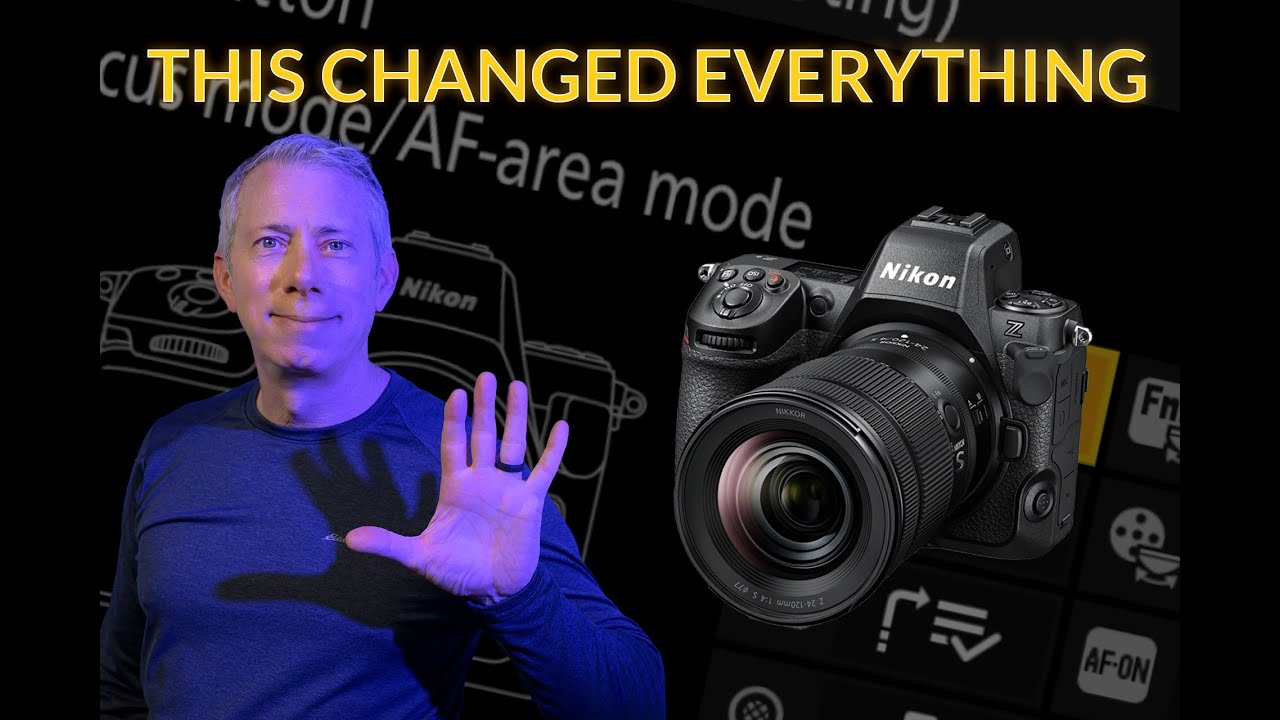
5 Nikon Z Settings I Changed That Instantly Gave Me Better Photos
If you’re shooting Nikon Z and still missing shots you know should be sharp, this video will help.
In this video, I walk you through five changes I’ve made to my Nikon Z camera setup that let me get sharp photos in almost any situation. These aren’t theory-based settings or menu-deep rabbit holes. They’re real-world, practical changes I use every time I shoot.
? Download my FREE Nikon Z Low Light Settings Guide
Packed with real-world settings for handheld, city scenes, and tripod work:
?https://shspk.com/FreeGuide
Compare Prices…
Nikon Z50 II: https://amzn.to/3XMj9cb
Nikon Z5 II: https://amzn.to/4p0Dcik
Nikon Z6 III: https://amzn.to/4q1OnI6
Nikon Z8: https://amzn.to/44VATFP
? Join my Nikon Z Facebook group for more tips, gear talk, and critiques:
? https://shspk.com/Ip8UgS
I’ll show you how I’ve customized my function buttons so I can change focus modes, AF area, metering, and subject detection without taking the camera away from my eye. I’ll also explain the Auto ISO setup I rely on to protect shutter speed and avoid motion blur, and how I use My Menu to keep important settings one button away when things get hectic.
This setup works extremely well for me, but more importantly, I explain why I use each change so you can decide what makes sense for your own shooting style.
If you shoot Nikon Z, especially Z6, Z7, Z8, or Z9, and want a faster, more responsive camera that gets out of your way, this one’s for you.
If the video helps you, consider subscribing for more real-world Nikon Z tips, autofocus setups, lens advice, and shooting workflows that actually work in the field.
Thanks for watching.
#Nikon #nikonz #ShutterSpeak
![Private: [ID: QAqXHCQTOpg] Youtube Automatic](https://shutterspeak.net/wp-content/uploads/2026/01/private-id-qaqxhcqtopg-youtube-a-60x60.jpg)
![Private: [ID: TjNLqXILXIE] Youtube Automatic](https://shutterspeak.net/wp-content/uploads/2026/01/private-id-tjnlqxilxie-youtube-a-60x60.jpg)