
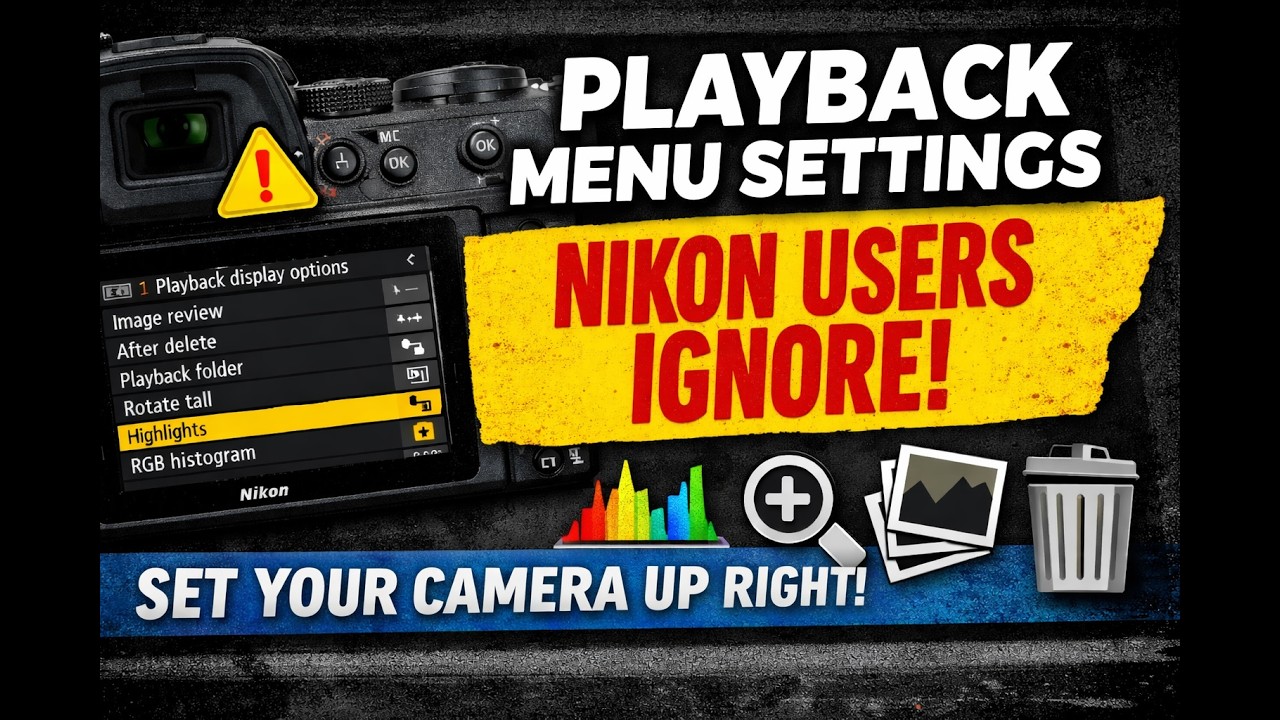
The Playback Menu Settings Nikon Users Ignore
Most Nikon users spend all their time in the shooting menu… and completely ignore the playback menu. That’s a mistake.
In this video, I’ll show you the Nikon playback menu settings that can dramatically speed up how you review, cull, and check your images in the field.
We’re talking about the hidden settings that help you:
check sharpness faster
jump to useful zoom points
use highlight warnings
review RGB histograms
sort through bursts faster
protect key images when needed
streamline your culling workflow before you ever get to Lightroom
These settings are especially helpful when you’re traveling, on vacation, riding in the passenger seat, back at the hotel, or just want to make smarter decisions before importing thousands of images.
The goal is simple: spend less time digging through playback and more time shooting.
? Download my Nikon Z Menu Settings PDF Guide
Keep it on your phone so you can quickly locate these settings while you’re in the field:
? https://shspk.com/FmBQRj
? Join my Nikon Z Facebook Group
Share your playback workflow, ask Nikon questions, and connect with other photographers:
? https://shspk.com/Ip8UgS
What playback setting do you use the most, and is there one Nikon should improve? Drop it in the comments, I’d love to start a discussion.
#NikonZ #NikonTips #ShutterSpeak #PhotographyWorkflow #NikonMenuSettings #ShutterSpeak
![Private: [ID: g-aybo-EsTE] Youtube Automatic](https://shutterspeak.net/wp-content/uploads/2026/04/private-id-g-aybo-este-youtube-a-60x60.jpg)
![Private: [ID: 3BiMtFTkWL8] Youtube Automatic](https://shutterspeak.net/wp-content/uploads/2026/03/private-id-3bimtftkwl8-youtube-a-60x60.jpg)