
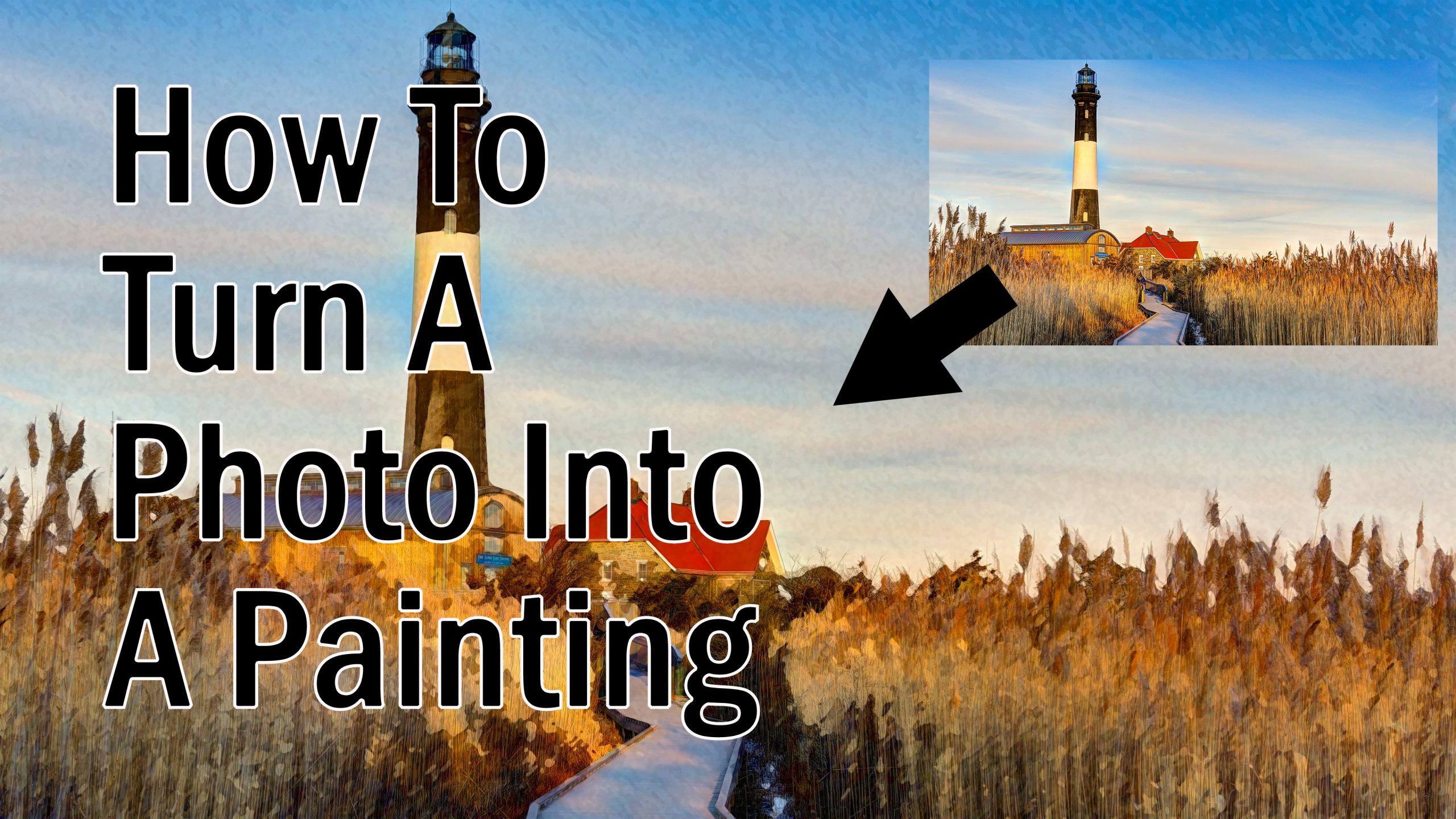
In this video I show you how to easily create an effect in Photoshop that makes any photo look like a painting. No third party plug-ins required.
This is a fun and easy project that anyone can do just using Photoshop. Simply choose an image from your collection. A landscape, portrait, or even a family photo will work great. Follow along with the video and have fun with this. There is almost no limit to the amount of different effects you can create with this method.

Educator at Shutter Speak
Joseph Nuzzo is a professional photographer and Nikon Z educator. He is the founder of Shutter Speak and Shutter Speak Academy, where he teaches photographers how to understand and confidently use Nikon Z cameras.
Latest posts by Joseph Nuzzo (see all)
- The Nikon Z Autofocus Course I’ve Always Wanted to Create - June 7, 2026
- The 5 Nikon Z Settings I Change on Every Camera - April 21, 2026
- Nikon Z Shooters 28-400 or Tamron 50-400 Don’t Buy Before Watching - December 19, 2025
![[ID: MY5fVxfIieg] Youtube Automatic](https://shutterspeak.net/wp-content/uploads/2023/05/id-my5fvxfiieg-youtube-automatic-60x60.jpg)
![[ID: PGQvyNjimEQ] Youtube Automatic](https://shutterspeak.net/wp-content/uploads/2023/05/id-pgqvynjimeq-youtube-automatic-60x60.jpg)